Identifying map data
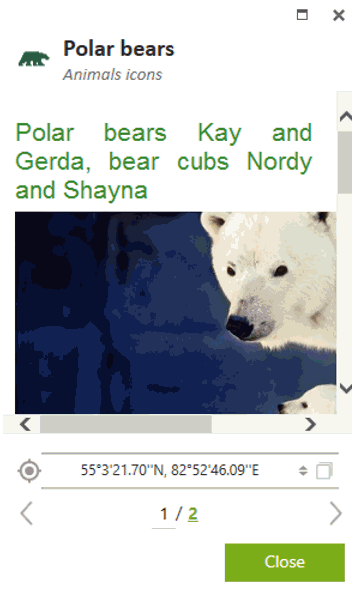
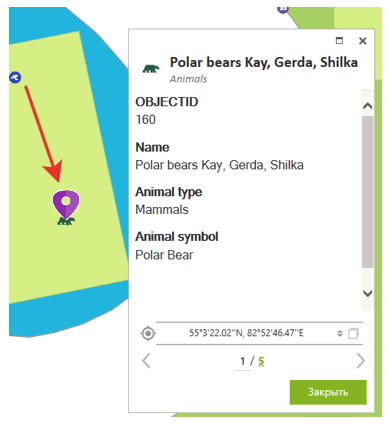
To view information about specific feature from the dataset or the map, click on this feature, it will be marked with the pushpin and its identification card with all information will be opened.
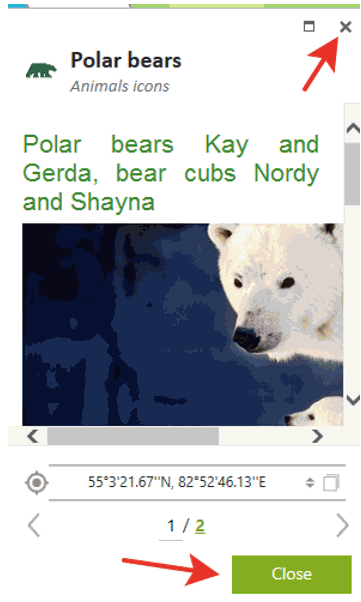
To close the identification card, press Close button or cross icon in the upper right corner.
To view all features fallen to the click area on the map, press the number in the identification card showing their total quantity.
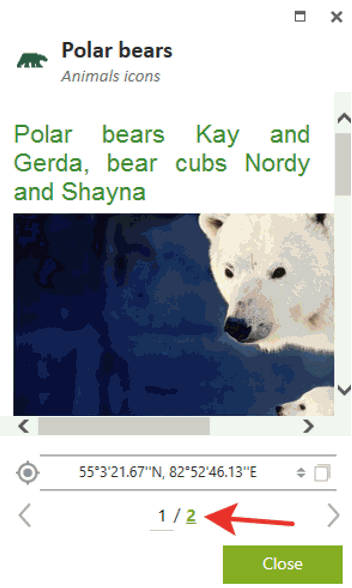
The list of features will be shown. To open identification card of one of the features and to show it on the map, click on this feature.

It will be marked with the pushpin  on the map and its identification card will be opened near.