In terms of CarryMap, projects are sets of maps, data layers, online basemaps and visibility settings. You can create projects by combining several maps or data layers to sets.
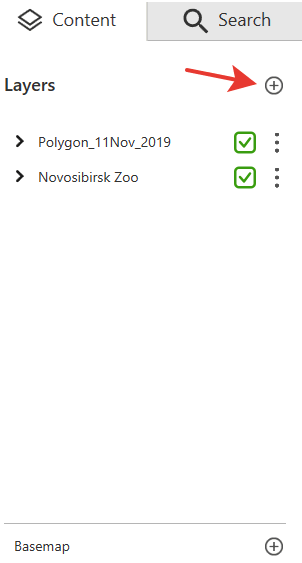
To create the project or to open data, press Add in the Content section and in the appeared window select the map or data layer that needs to be combined with the opened map. You can add maps in .CMF and .CMF2 format or data layers from GeoPackage and KML/KMZ, GPX, SHP files.
If you want to add data layers from GeoPackage, GPX, KML/KMZ or SHP files, select these layers from the list after selecting the GeoPackage, GPX, KML/KMZ or SHP file. To do so, check the box near the required layers and press Add.
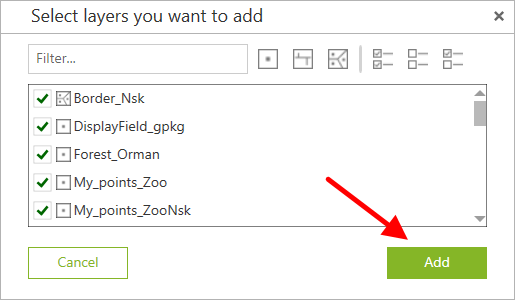
The data layers will be added to the map, and the project will be automatically created.
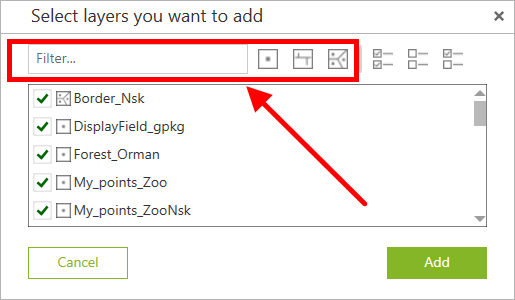
Use the filters to display only required layers in the list. Following filters are available:
- Points,
- Polylines,
- Polygons.
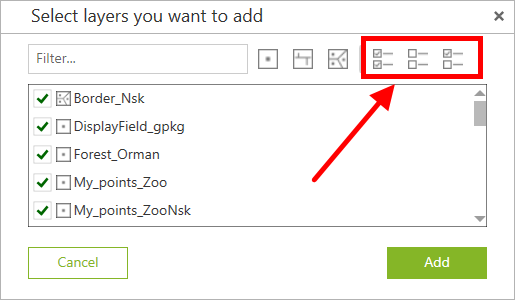
Same way, you can select all layers in the list, unselect all layers and invert current selection.