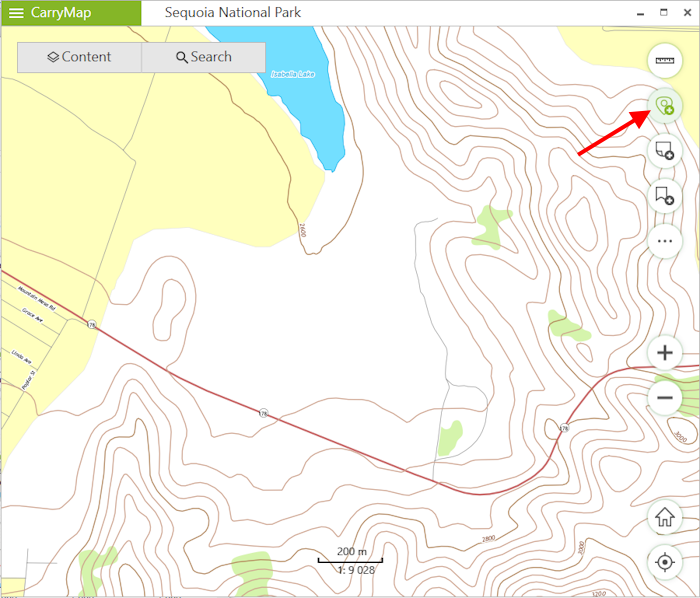
To create a new polyline or polygon feature on the map by drawing the freehand line, press Create feature.
In the appeared panel select the type of created feature: polyline or polygon.

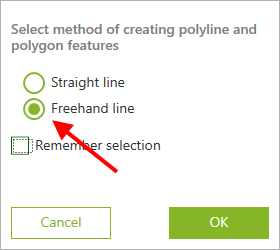
In the appeared window select Freehand line and press OK button.
Draw the feature on the map.
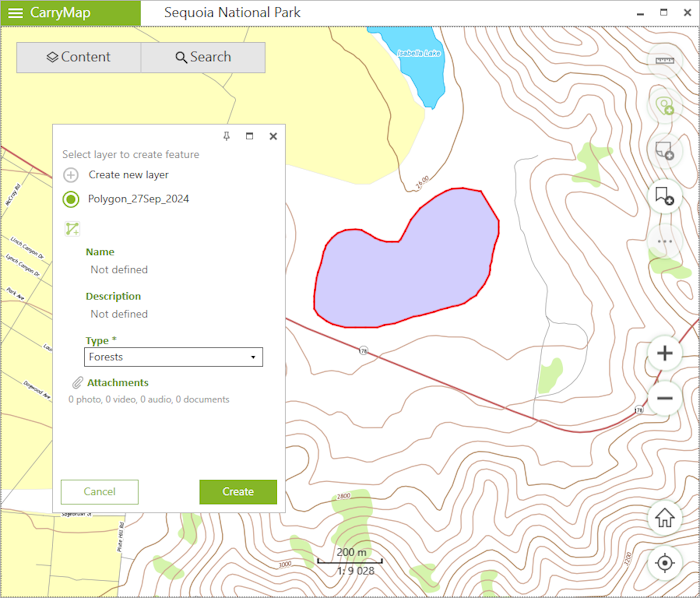
To finish the feature creation process, press Create.
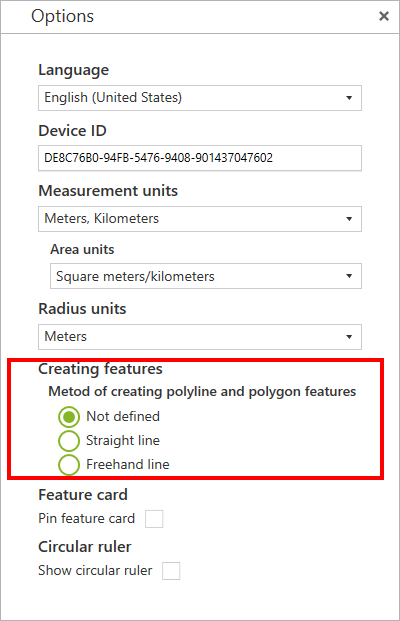
To change the method of creating polyline or polygon features, go to Application settings. In the Metod of creating polyline and polygon features select: