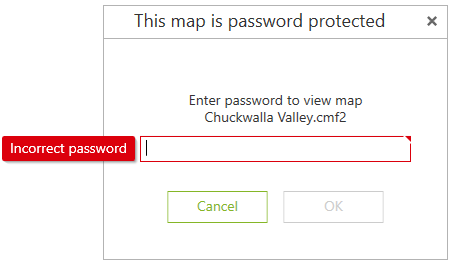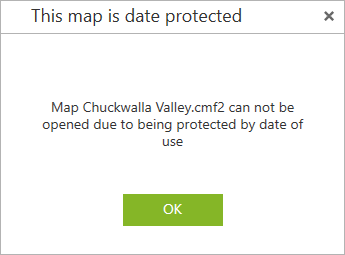
Mobile maps can be accessed without restrictions only if the conditions for opening them correspond to the specified protection methods, otherwise access to the map will be impossible, and the appropriate notification will appear on the screen.
Protection by data of use
If the mobile map has expired when you try to open it, you will see the corresponding notification and access to such a map will be impossible.
Protection by device ID
The device ID is a specific number assigned to the device by CarryMap application. The ID of your device can be found in the Application settings.
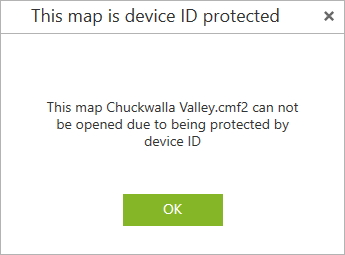
If access to the mobile map is blocked for the device, then when you try to open such a map, you will see the corresponding notification.
Protection by password
If access to the mobile map is protected by password, then when you try to open such a map, you will see the dialog asking to enter the password.
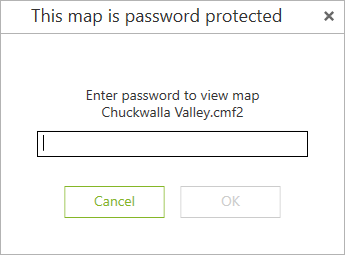
Enter the password and press OK.
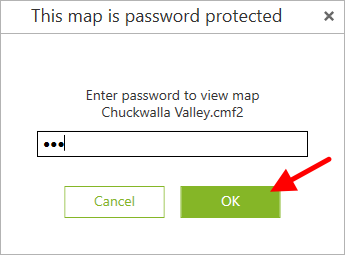
The map will be opened in the application. If the password is incorrect, you will see the appropriate warning message.