
-
CarryMap Builder
- About CarryMap Builder
- Installing CarryMap Builder
- Licensing
- Registering CarryMap Builder license
- Creating mobile map from ArcGIS Pro project
- Managing identification templates
- Extracting map by selected polygon layer
- Merging multiple CMF2 maps
- Converting CMF to CMF2
- Generating map reports
- Importing and exporting data in GeoPackage format
- Setting CarryMap Builder
- Support
Converting CMF to CMF2
CarryMap Builder is the new generation of ArcGIS Desktop extension with enhanced functionality that replaced CarryMap 3.x. CarryMap Builder creates mobile maps in the new CMF2 format, though users having maps in the old CMF format created using the previous extension generation CarryMap 3.x, can convert them to the new format. For such conversion the CarryMap Builder Convert CMF to CMF2 files tool is used.
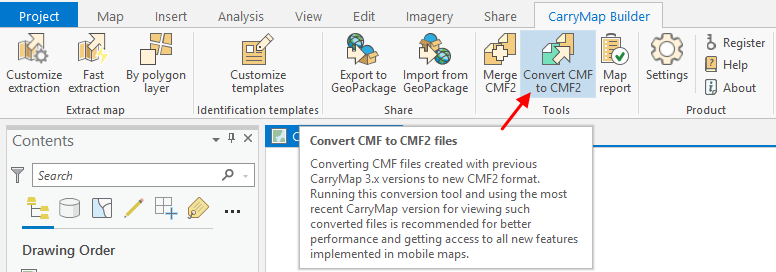
Run the Convert CMF to CMF2 files tool on CarryMap Builder tab to start the conversion process.
|
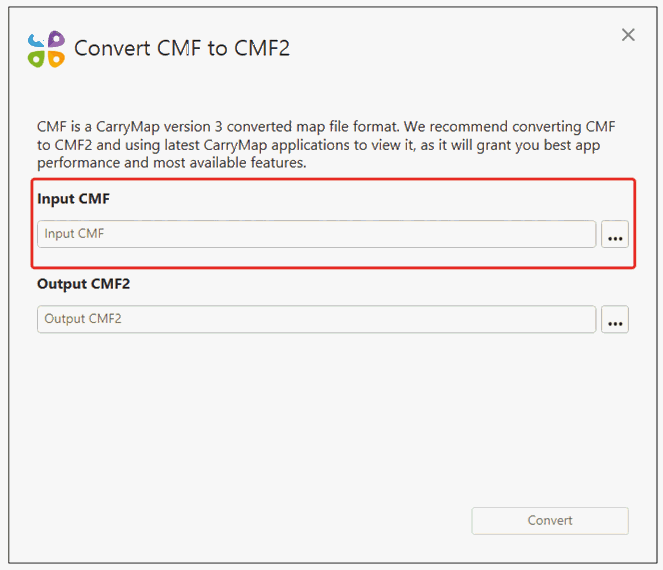
In the appeared dialog select CMF map that needs to be converted to new CMF2 format. To do so, press three dots button and select the needed file.
|
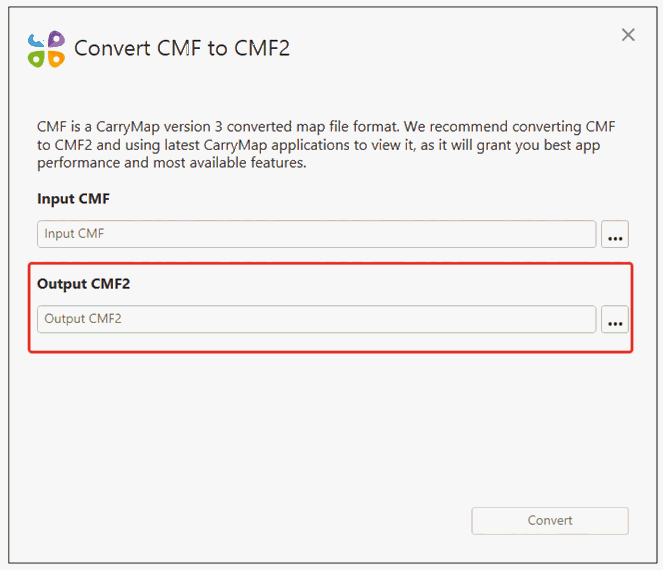
In the Output CMF2 section press three dots button, enter the output CMF2 file name and location.
|
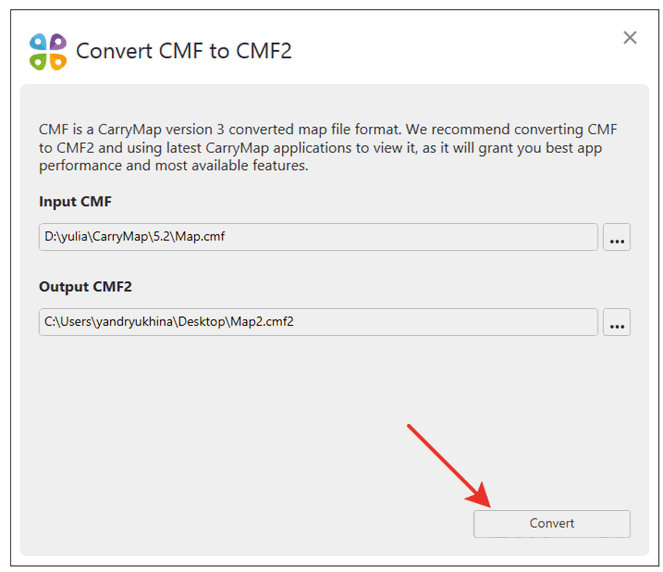
Press Convert .
|
The process of converting CMF to CMF2 will start.
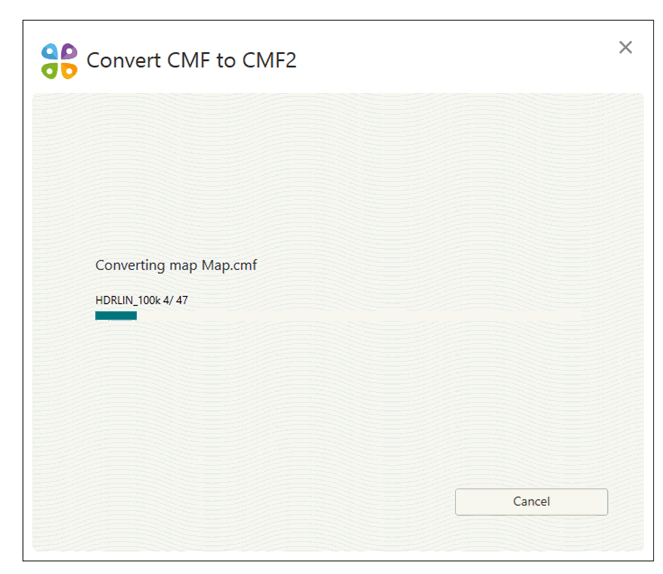
|
Upon the process completion you will see the appropriate dialog. Press OK to view the output map.
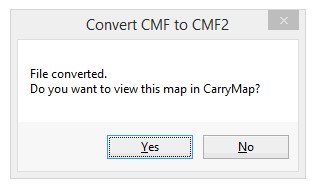
|