
-
CarryMap Builder
- About CarryMap Builder
- Installing CarryMap Builder
- Licensing
- Registering CarryMap Builder license
- Creating mobile map from ArcGIS Pro project
- Managing identification templates
- Extracting map by selected polygon layer
- Merging multiple CMF2 maps
- Converting CMF to CMF2
- Generating map reports
- Importing and exporting data in GeoPackage format
- Setting CarryMap Builder
- Support
Generating map reports
Map report tool is provided to get the following summary information about created mobile map:
- Name, size, coordinate system.
- Publisher, company name, e-mail, website.
- Map content: number of features, layers and their sizes.
To get report about the map, press Map report button on the CarryMap Builder tab.
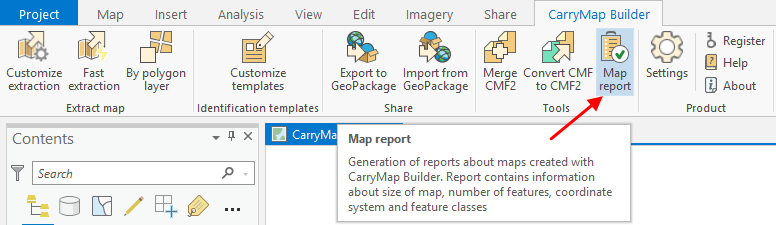
|
In the appeared dialog select the required map pressing the three dots button.

|
The dialog with summary report about selected map will appear.
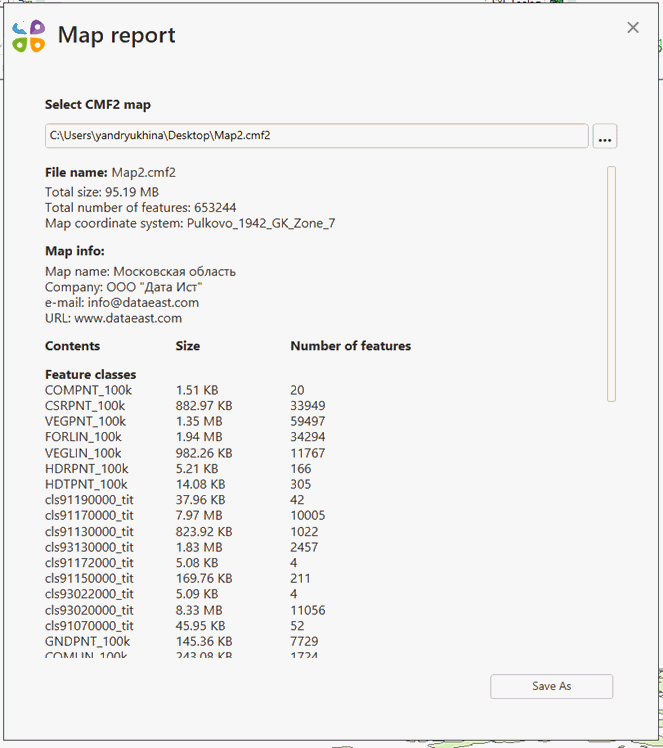
|
To save this report as .txt, .xlsx, or .csv file, press Save as , select the required format from the list and specify its location.
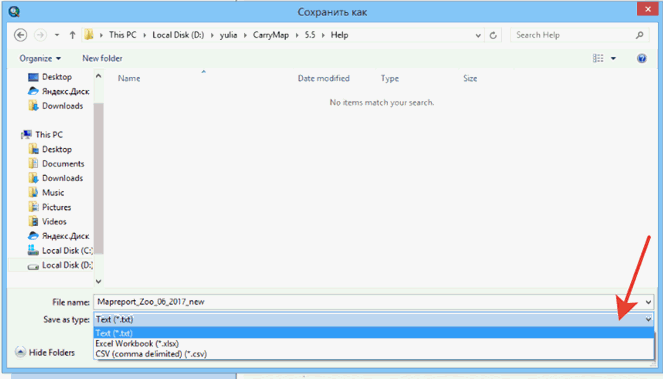
|
Press Save .
If selected map has been protected, the use of Map report tool will be limited as follows:
- Map availability protection – if map availability period has not been started yet or already finished, the tool will not work and you will see the dialog saying that this map cannot be opened due to set protection by date of use.
- Password protection – if map has been protected with password, you will see the dialog where to the password needs to be entered.
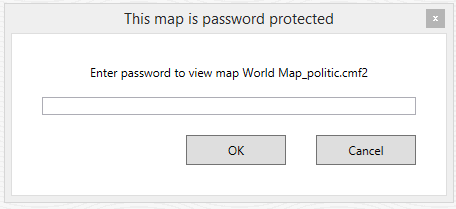
|
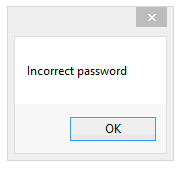
Enter the password and press ОК. If the password is correct, the map report window will appear, otherwise you will see the following dialog:
|
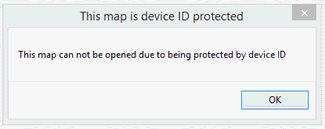
- Protection by device ID – if your device has not been found in the list of authorized devices to open this map, the tool will not work and you will see the appropriate message:
|