
-
CarryMap Builder
- About CarryMap Builder
- Installing CarryMap Builder
- Licensing
- Registering CarryMap Builder license
- Creating mobile map from ArcGIS Pro project
- Managing identification templates
- Extracting map by selected polygon layer
- Merging multiple CMF2 maps
- Converting CMF to CMF2
- Generating map reports
- Importing and exporting data in GeoPackage format
- Setting CarryMap Builder
- Support
Installing CarryMap Builder
To install CarryMap Builder, go to site CarryMap Builder and press Download button.
Run the
 setup file. Press
Next
in the appeared window.
setup file. Press
Next
in the appeared window.
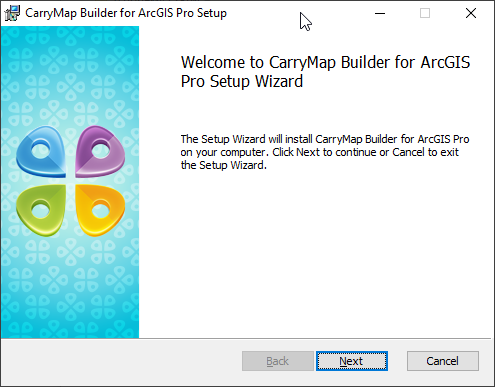
|
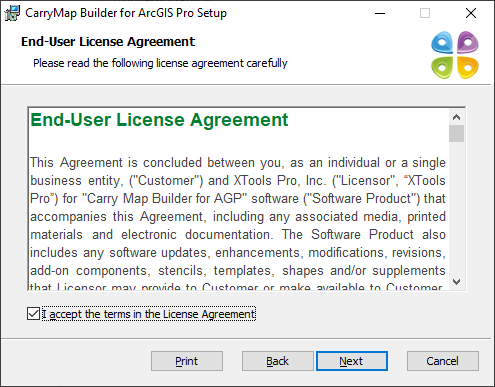
Read the End-user license agreement and check the box accepting its terms, press Next .
|
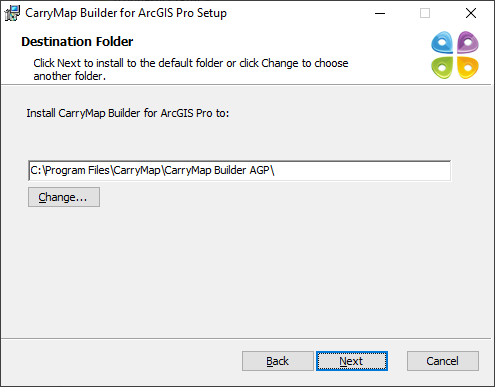
Specify the path to the CarryMap Builder installation file and press Next .
|
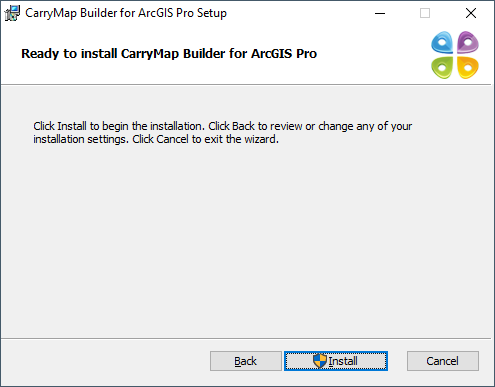
In the appeared window press Install .
|
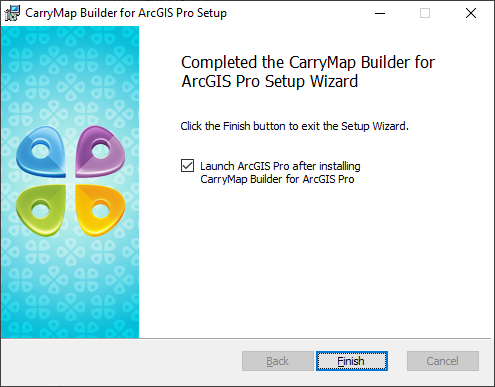
Upon installation completion, the window with appropriate message appears. In this window check the box to launch ArcGIS Pro after installing CarryMap Builder and press Finish .
|
The CarryMap Builder tab will automatically appear on the ArcGIS Pro ribbon.

|