
-
CarryMap for Android
- About the app
- Application terminology
- Section 1. Getting started and configuring the app
- Section 2. Application data
- Section 3. Opening maps and creating projects
-
Section 4. Creating and editing features
- About GeoPackage
- Creating new features
- Creating features by coordinates
- Creating point feature by photo
- Creating points with single tap
- Recording track
- Selecting symbol when creating feature
- Adding attachments to feature
- Filling in fields using QR code
- Editing features
- Adding and viewing Z coordinates
-
Section 5. Additional functionality
- Track log
- Use as a destination point
- Searching features
- Measuring on the map
- Circular ruler
- Creating marks
- Creating bookmarks
- Save map extent
- Selecting map scale
- Finding current location
- Sharing location information
- Displaying information from GPS/GLONASS receiver in the map window
- Use external GPS receivers
Adding maps and data to project
If you want to add the map to the project, tap
 and go to
My maps
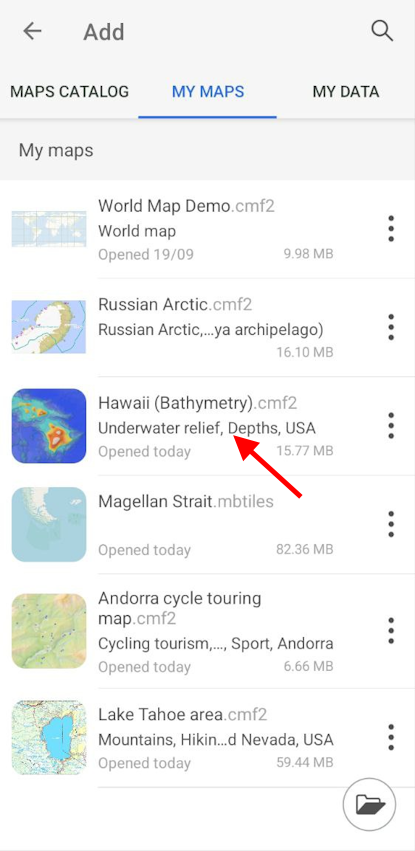
tab containing all maps in CMF2 and MBTILES formats stored on your device.
and go to
My maps
tab containing all maps in CMF2 and MBTILES formats stored on your device.
Select the map you want to add from the list.
|
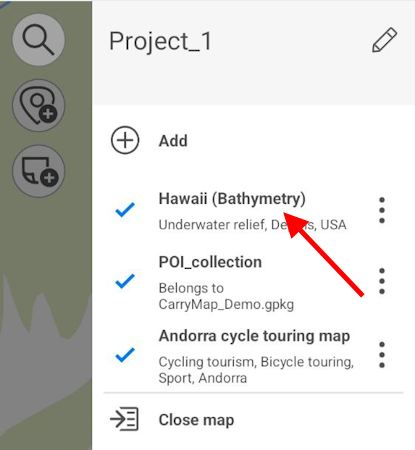
Map will be added to the current project.
|
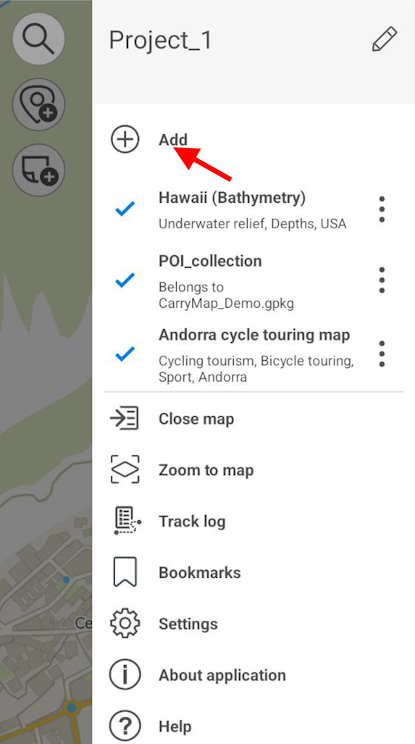
To add layer to current project, tap
button in the map menu and select the
My data
section.
|
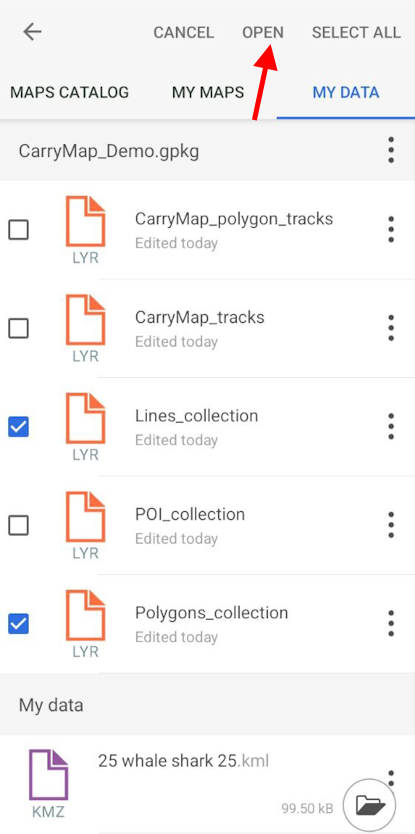
Select the required layer from library and it will be added to your current project. If you need to select multiple layers, tap
Select all
 or long tap the required layers and then tap
Open
.
or long tap the required layers and then tap
Open
.
|
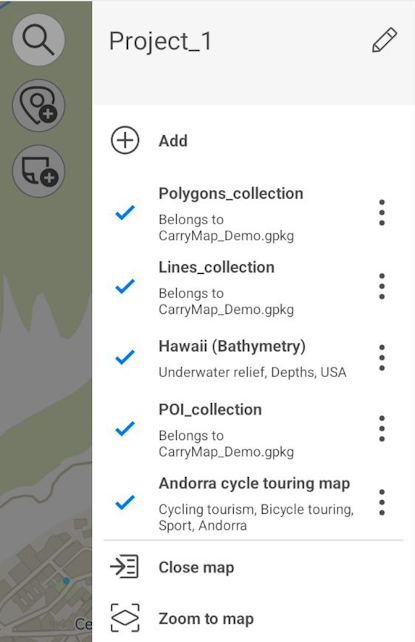
Selected layers will be added to the project.
|