
Identifying map data
To view information about specific feature from the dataset or the map, click on this feature, it will be marked with the pushpin and its identification card with all information will be opened.
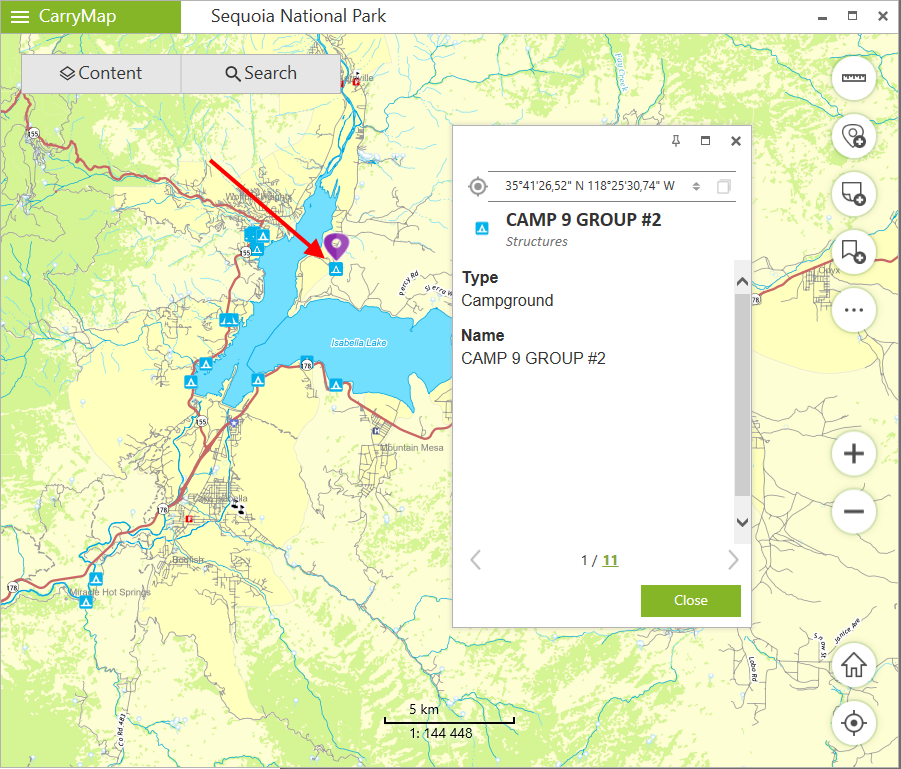
|
To close the identification card, press Close button or cross icon in the upper right corner.
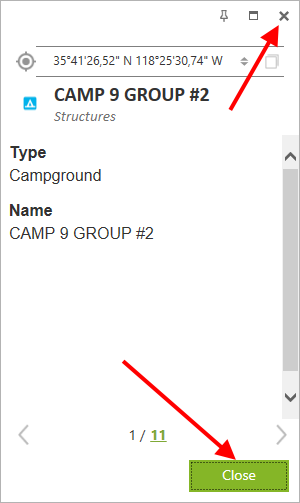
|
To pin the identification card, press Pin icon in the upper right corner.
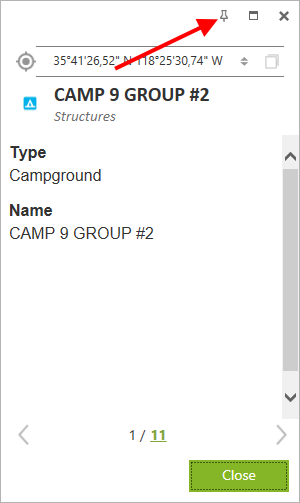
|
The identification card will be opened in the Identification tab
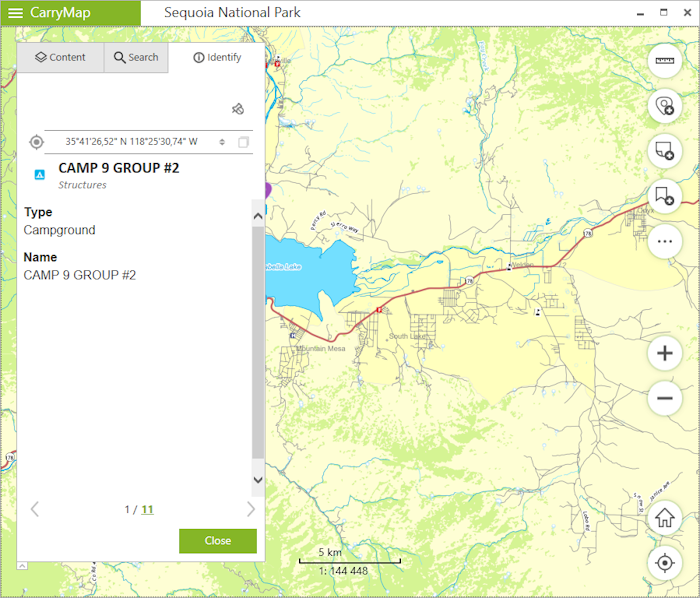
|
To unpin the identification card, press Unpin icon
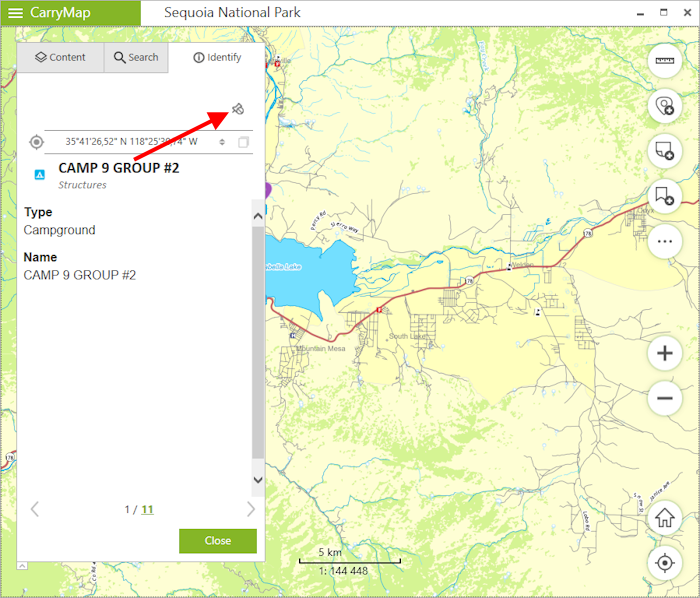
|
The identification card will be opened near the selected feature.
To view all features fallen to the click area on the map, press the number in the identification card showing their total quantity.
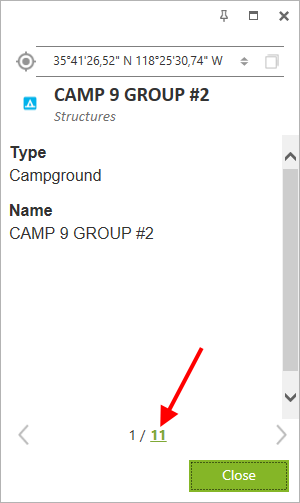
|
The list of features will be shown. To open identification card of one of the features and to show it on the map, click on this feature.
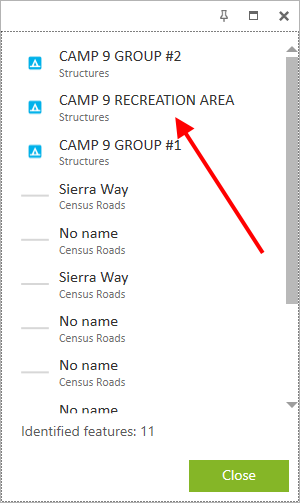
|
It will be marked with the pushpin
 on the map and its identification card will be opened near.
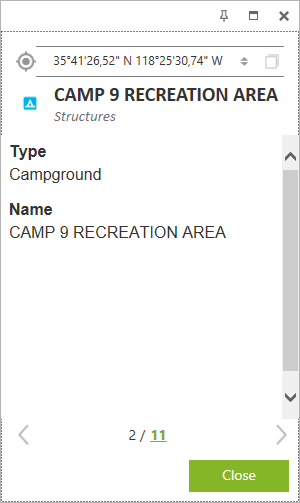
|
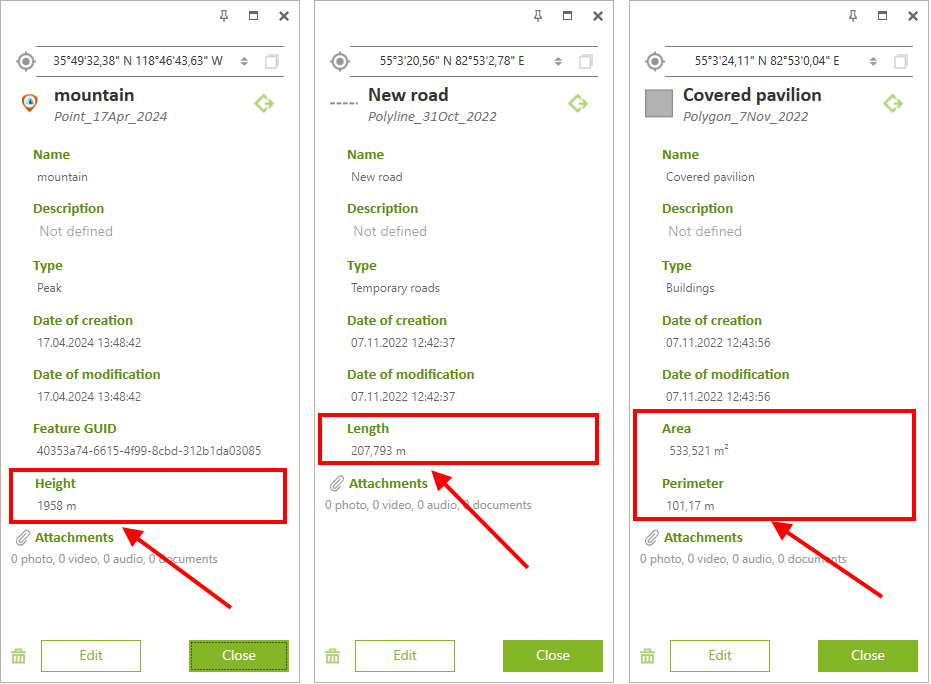
For your convenience, the additional virtual fields with geometry information are now displayed in the identification cards of GeoPackage features:
- Height - for point features * ,
- Length - for polyline features,
- Area and Perimeter - for polygon features.
The units selected in the Application settings are used as the measurement units.
|
* Note that adding and editing the Z coordinate values of point features is only available in GeoPackage layers that support storing information about the height of features.