
Installation
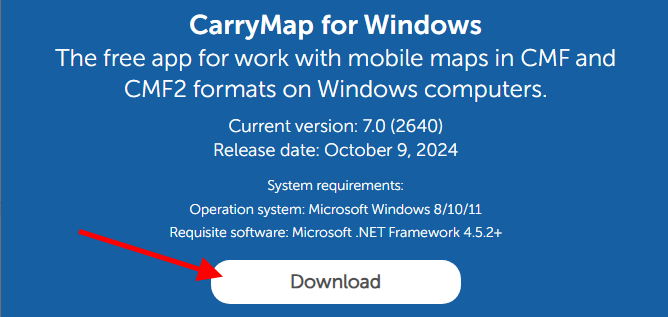
To install CarryMap for Windows, go to link and press Download button.
|
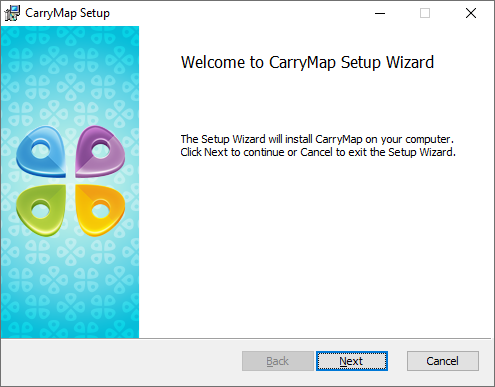
Run the setup file. Press Next in the appeared window.
|
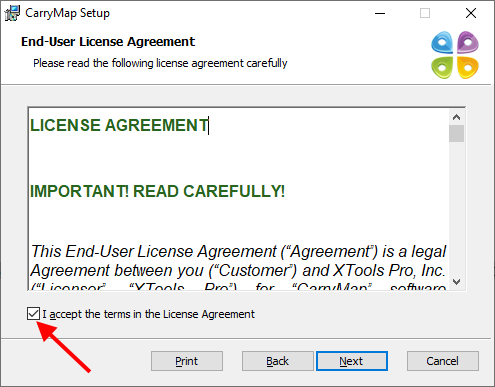
Read the End-user license agreement and check the box accepting its terms, press Next .
|
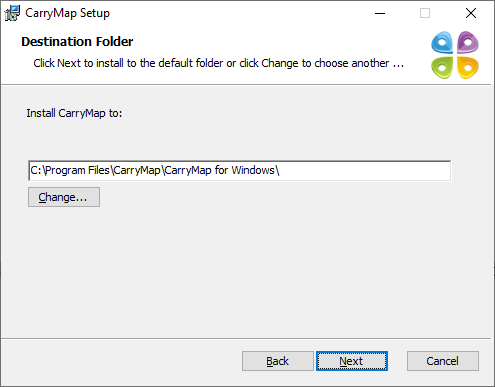
Specify the path to the CarryMap installation file and press Next .
|
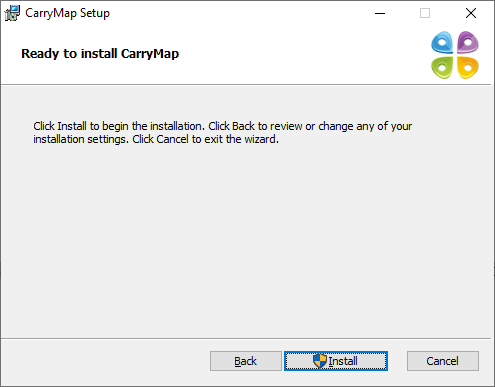
In the appeared window press Install .
|
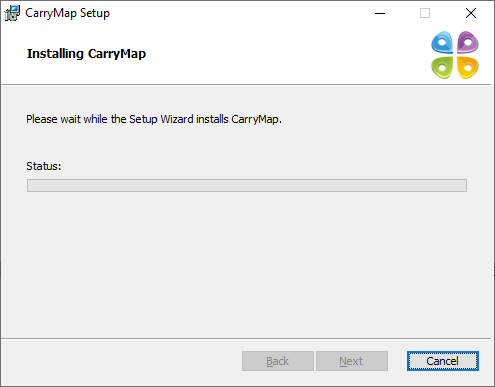
The process will start.
|
Upon installation completion, the window with appropriate message appears. In this window check the box to launch application after installing and press Finish .

|