
Map information
To view information about the CMF2 map, press the three dots icon near the map name on the Content tab and select Information.
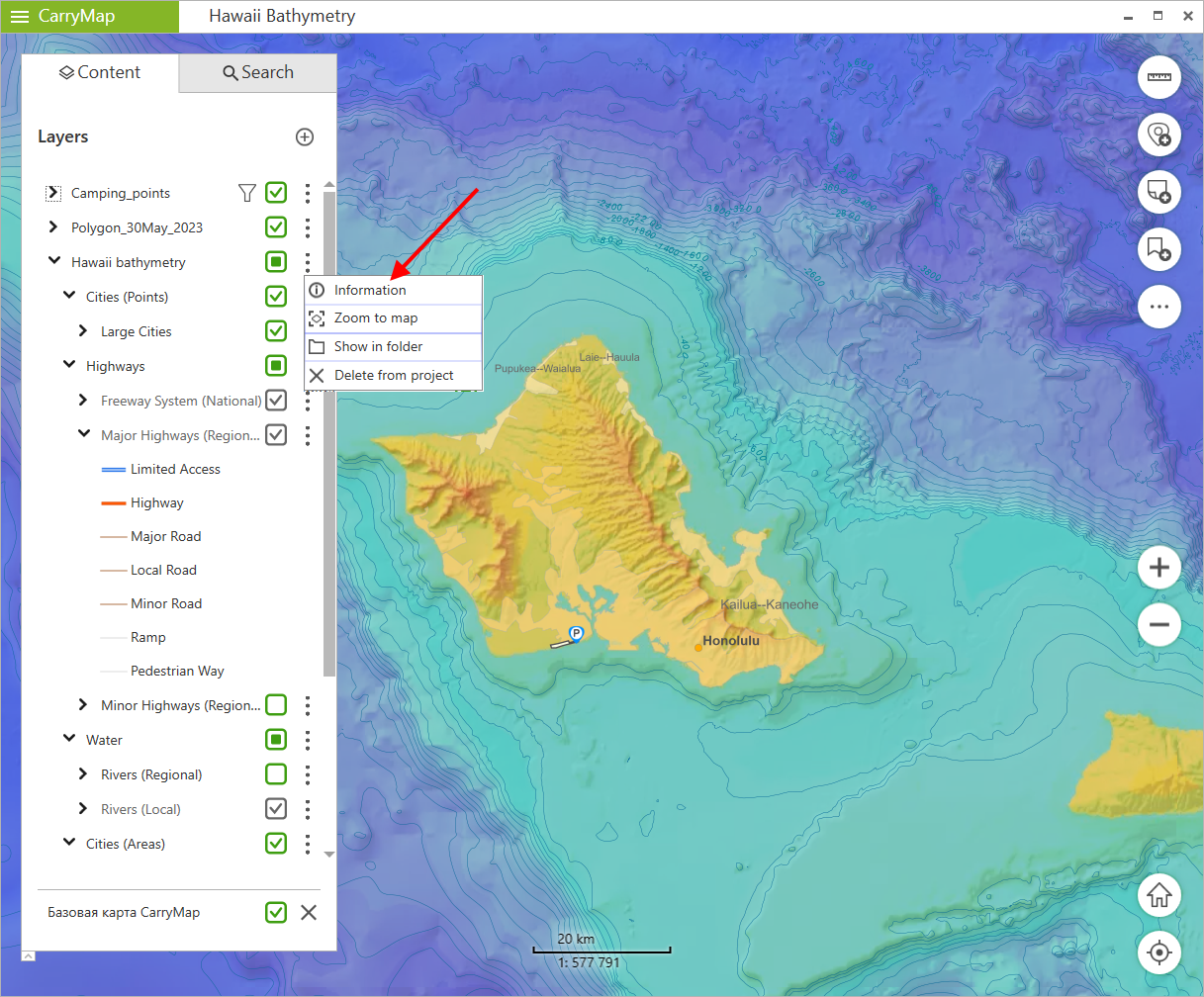
|
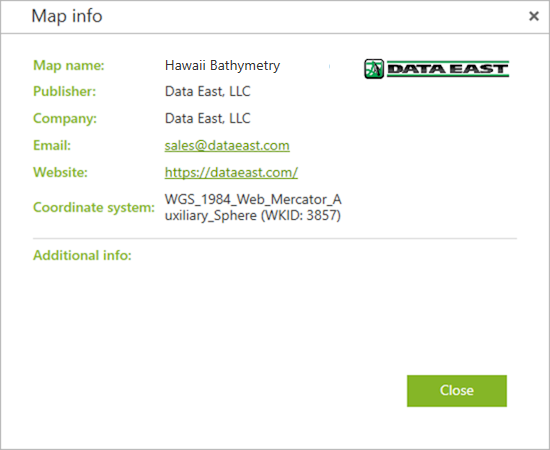
The window showing information about the map specified during its creation using CarryMap Builder extension will appear: map name, publisher, company, email, website, coordinate system, logo, additional info.
|
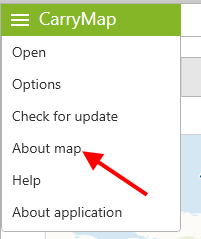
To view information about current project, go to the app main menu and select About map.
|
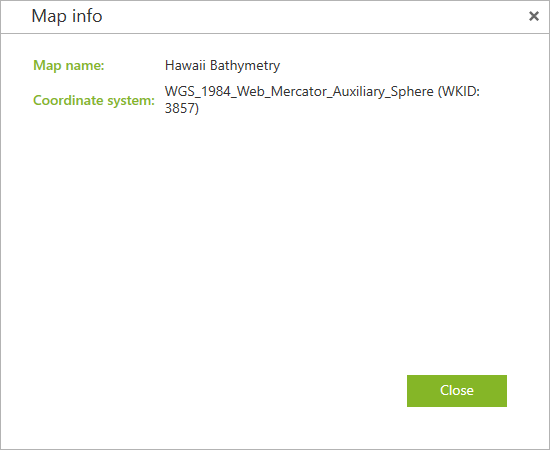
The window with information about the project will appear: map name, coordinate system.
|