
Application settings
You can access the application Options from the menu on the start page of the application or from the main menu in the map window.
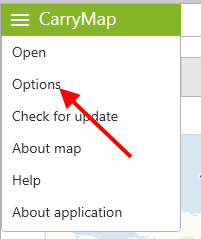
|
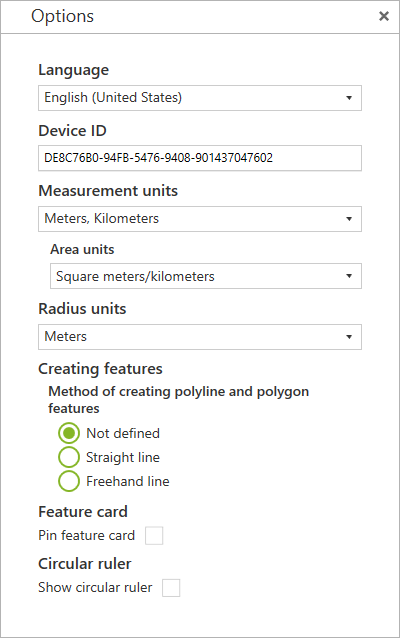
In this window, you can change the general settings of the application and find out information about the device ID:
Language – changing the app UI language, the currently available language options are Russian or English.
Device ID – viewing and copying information about the device ID based on which the availability of maps protected by device ID is determined (see Working with protected maps ).
Measurement units – changing the measurement system:
-
Metric system (meters, kilometers):
- Area units:
- Square meters/kilometers,
- Hectares;
- British system (feet, miles, acres).
Radius units – changing the radius measurement units, the available options are Metric system (meters, kilometers) or British system (feet, miles).
Creating features – changing the method of creating polyline and polygon features:
- Not defined;
- Straight line;
- Freehand line.
Feature card – changing the position of the feature card on the map window.
Curcular ruler – changing the display of elements of the circular ruler in the map window.
|