
Export project
You can export a set of project layers to a common archive file .CMPRJ. To do so, go to the Open menu item.
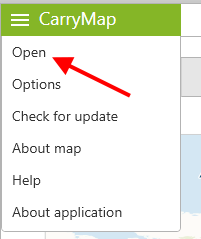
|
Go to Projects.
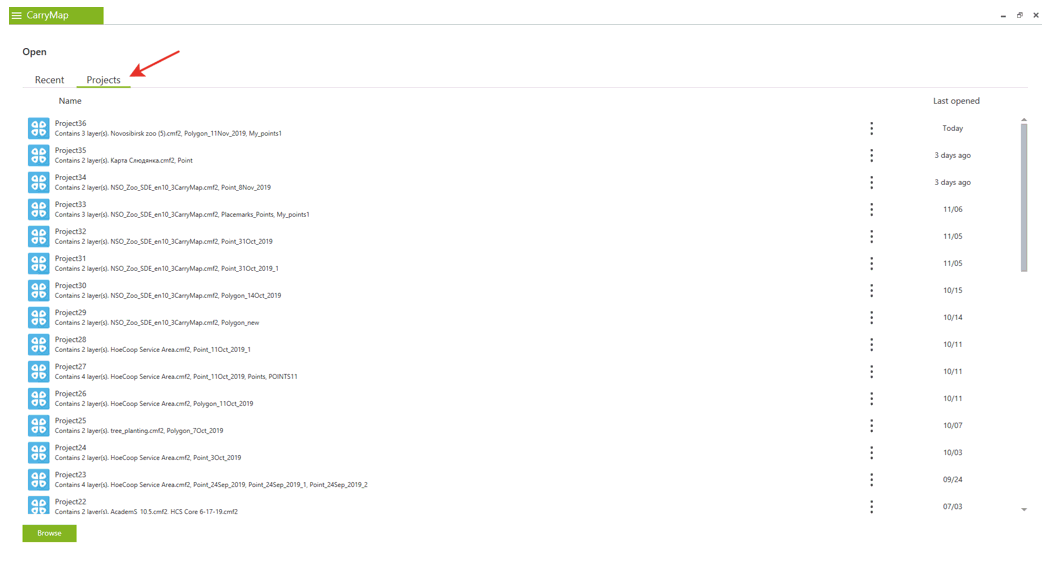
|
Press the three dots icon near the project that needs to be exported and select Export .
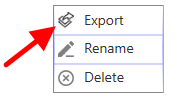
|
In the appeared window specify the output file location and name and click Save .
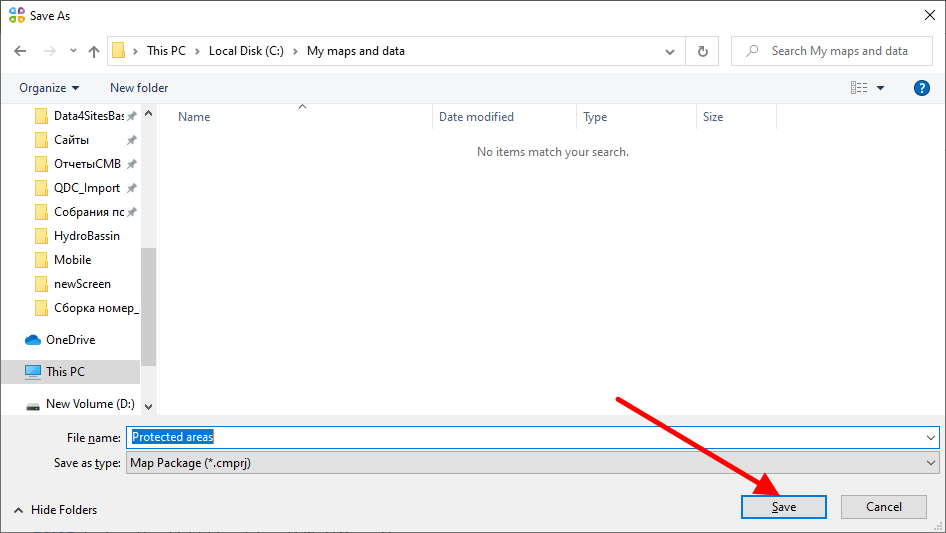
|
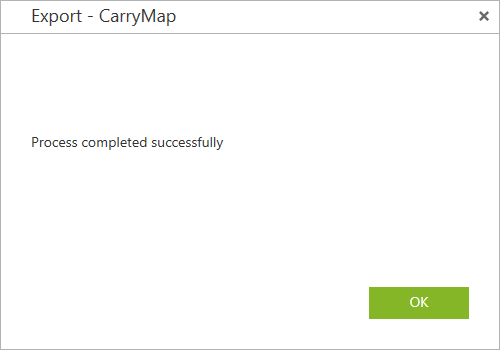
Upon the process completion you will see the appropriate dialog.
|
Make sure that the output file has been saved to specified folder.