
Import project
To open the project archive file created with CarryMap app, double-click on the required .CMPRJ file in the explorer.
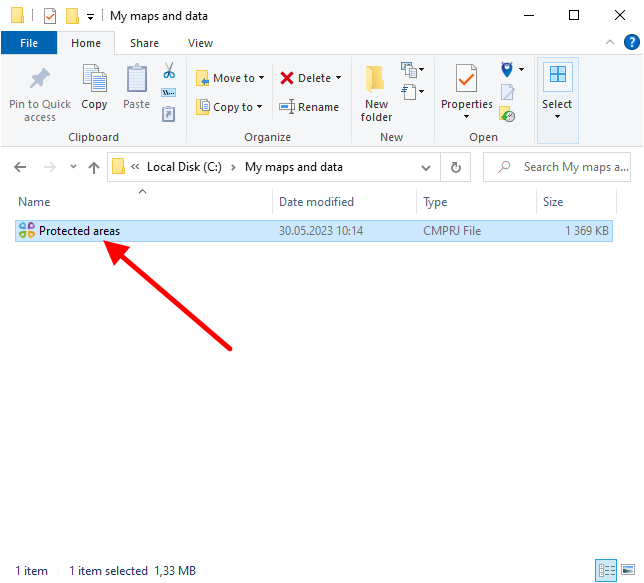
|
In the appeared window specify the output folder location for importing project files and click Import .
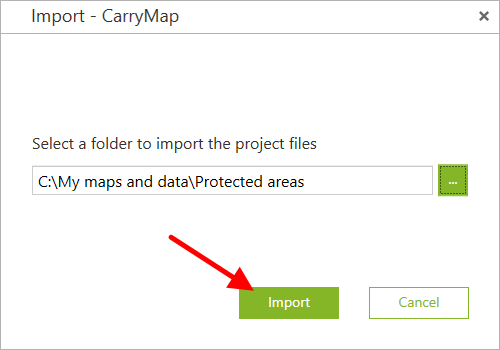
|
The project will be automatically opened upon the process completion.